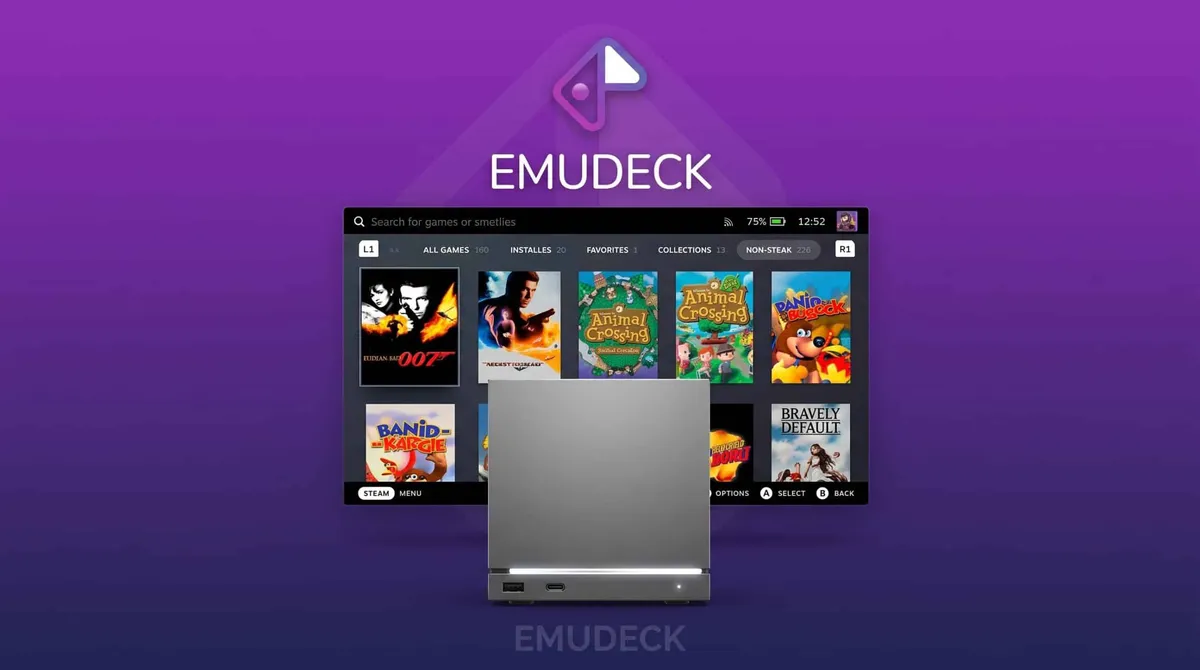
EmuDeck has released version 2.7, a build that spreads its changes across SteamOS, Linux and Windows and puts the Steam Machine at the centre of the update. The most visible change concerns the emulator settings: Valve’s desktop console now gets profiles aimed at 1080p and 4K outputs, instead of always starting from Steam Deck’s internal resolution, which the tool had been using until now.
What changes on Steam Machine
EmuDeck began as a utility that installs and configures emulators automatically based on the hardware it runs on, with the Steam Deck as its first target. Over time it has widened its coverage to other platforms, and version 2.7 takes a clear step towards the desktop. Rather than inheriting the setting designed for the handheld’s screen, the Steam Machine can now be configured for 1080p and 4K, which fits better with its use connected to a TV or an external monitor.
One thing worth pinning down: these are configuration profiles aimed at those output resolutions, not a guarantee that every emulator will run at that quality on any machine. The end result still depends on the specific emulator and on the power of the host.
AutoMap reaches loose controllers too
The second relevant addition is the expansion of AutoMap on SteamOS and Linux. The tool could already configure controllers automatically for certain emulators, but that feature was intended for the Steam Deck only. It now extends to emulators that did not handle controller detection well and, on top of that, also covers controllers that are not attached to the device.
According to the developers, EmuDeck recognises devices such as the Steam Controller, Xbox controllers, the DualSense and 8BitDo models. The configuration is applied when the game launches, so the manual step of remapping buttons every time a controller is plugged in goes away.
API, RetroAchievements and migration
The rest of the update touches the less flashy but equally useful side. EmuDeck’s API moves to the latest RetroAchievements version, which can now be configured for Dolphin. Installation migration improves as well: an EmuDeck configuration can be exported from one device to another, which is handy for anyone spreading their library across several machines, for instance between a Steam Deck and a Steam Machine.
Current state of EmuDeck
EmuDeck remains, above all, a layer for automatic installation and tuning, not an emulator itself. Version 2.7 cuts manual work on three fronts that show up when using the tool day to day: video output in the living room, controller recognition and carrying settings between devices. The tool leans on SteamOS, which has also received updates on the stable channel these days (SteamOS 3.8.28).
It remains to be seen how those 1080p and 4K profiles behave depending on the emulator and the game, and whether controller compatibility covers every model the team promises. As with any recent build, the sensible move is to test the settings on your own machine before assuming everything works just as well outside the Steam Deck.