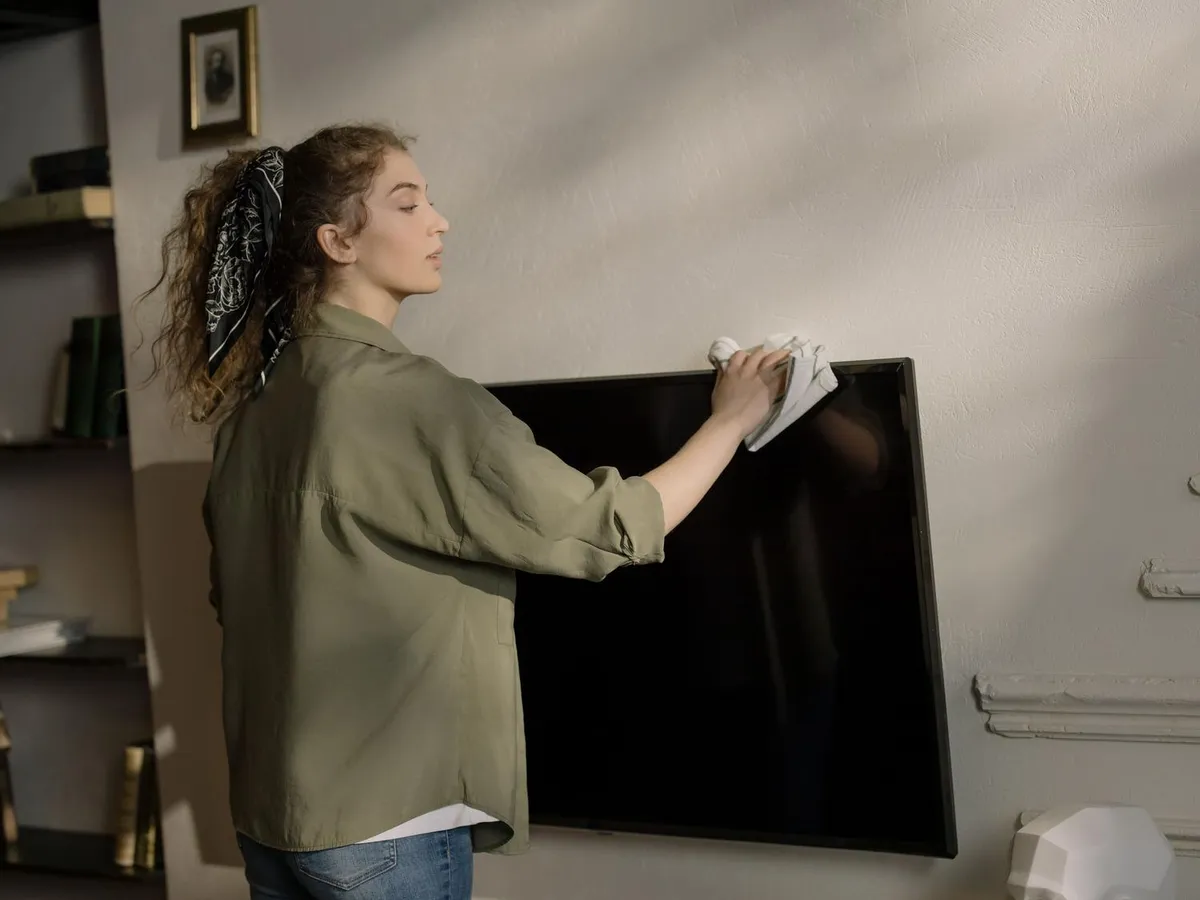
Modern TVs do not use the thick glass of older sets: their panels are built from thin layers of polymers and highly sensitive polarizing films. That is why a kitchen towel, a glass cleaner or a splash of alcohol can wipe out the anti-reflective treatment and leave permanent iridescent stains. This guide explains how to clean your TV screen step by step, whether you have just unpacked a modern panel or want to bring an older one back from dust and fingerprints. It only takes materials you probably already have at home and no special technique; the important thing is not to put your investment at risk.
What you need
Before you start, gather a simple kit. You do not need expensive, heavily marketed products:
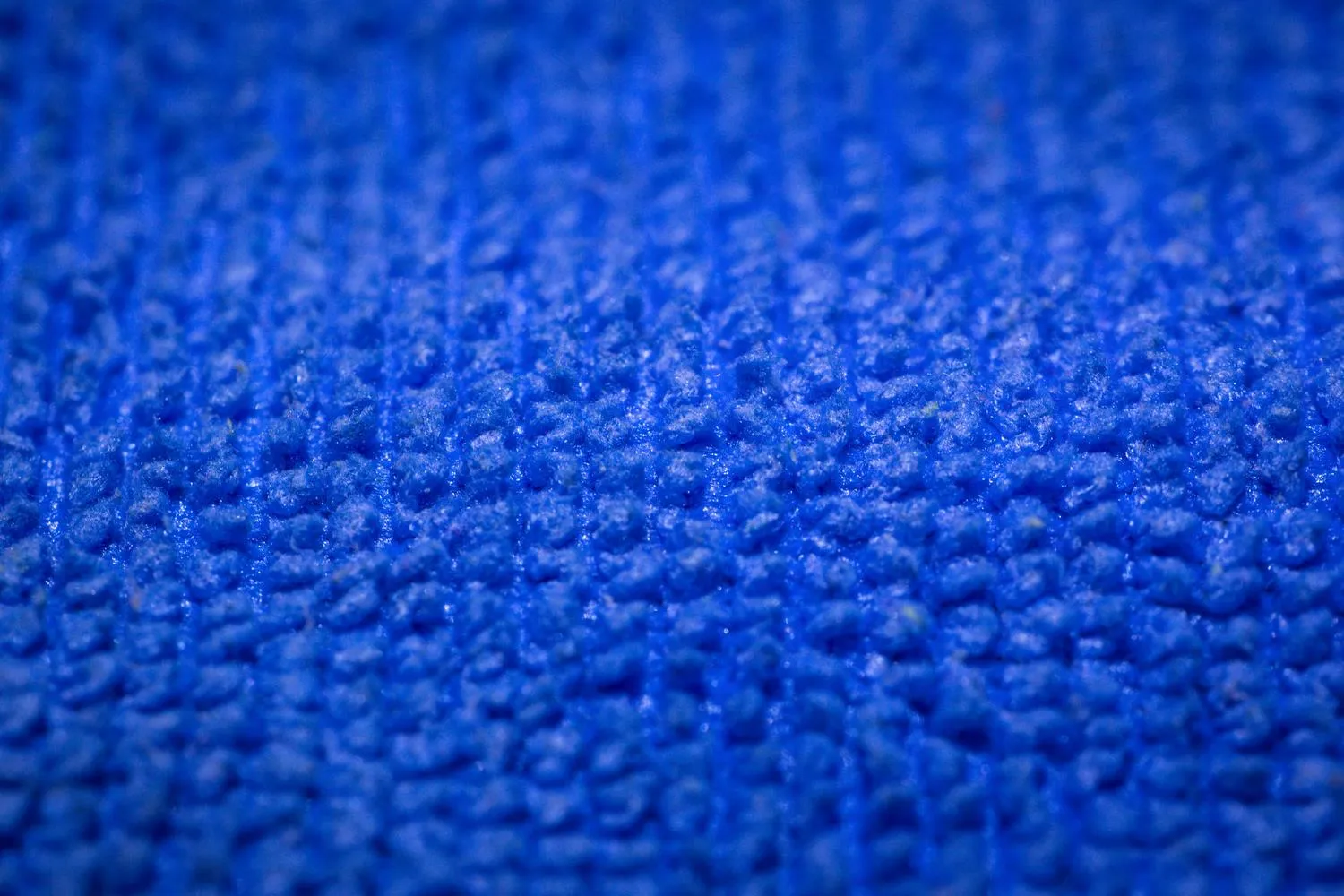
- A high-density microfiber cloth, ideally one of the kind used for glasses or camera lenses, because they shed no lint and do not scratch. It is a good idea to keep a second cloth for the wet stage.
- Distilled water, the safest option for the panel.
- Optional: a tiny drop of perfume-free neutral soap for stubborn greasy marks.
- A spray bottle to prepare the mix.
Avoid the yellow cloth you use for furniture, as it can shed abrasive particles. And rule out tap water: it contains lime and chlorine that leave white marks as they dry.
Steps to clean your TV screen
- Turn the TV off and unplug it. This is not only an electrical precaution: if you clean the screen while it is warm, the liquid evaporates too quickly and leaves rings that are impossible to remove. On top of that, with a black panel it is much easier to spot dust and dirt against the light.
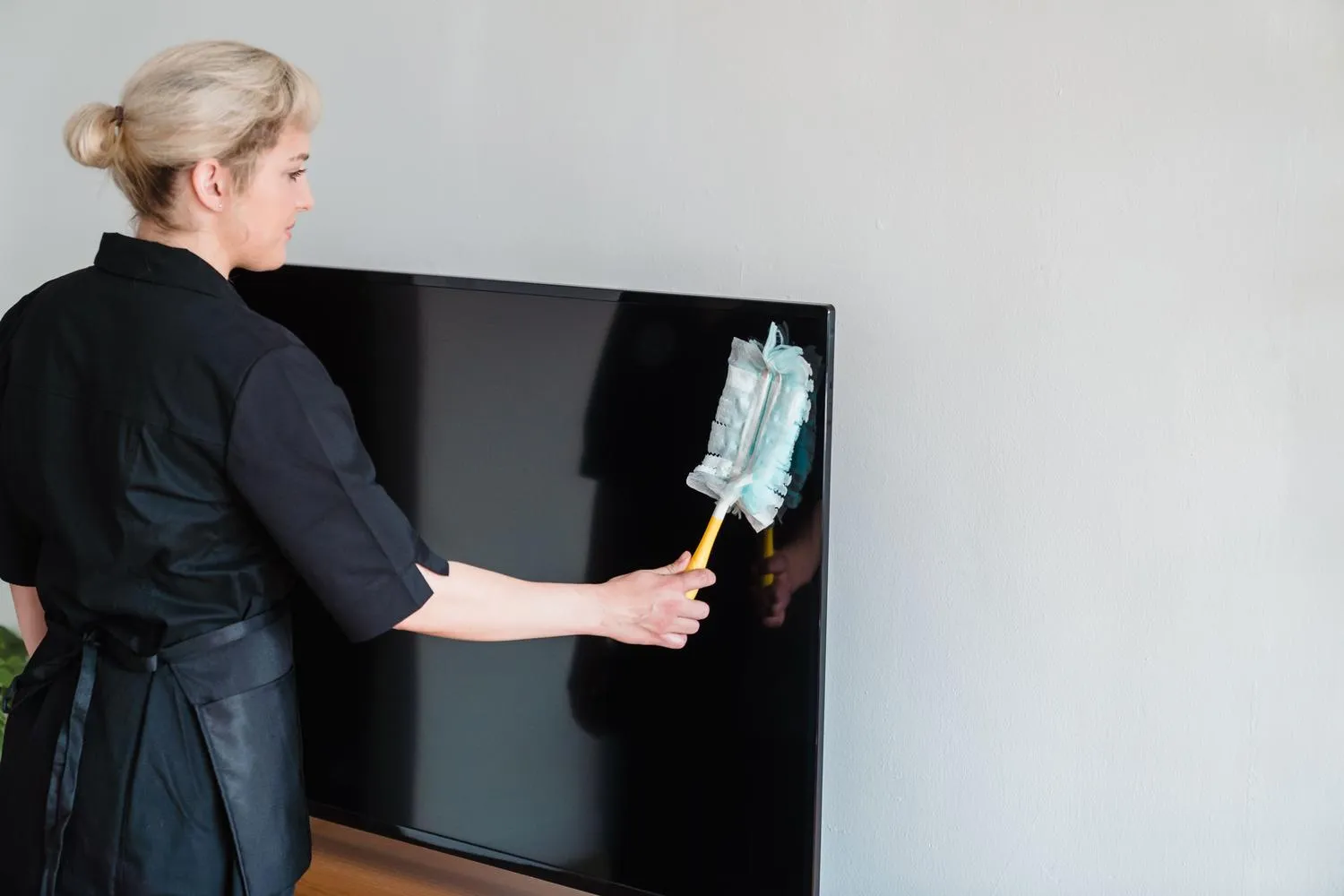
- Do a dry sweep. Run the microfiber cloth very gently to remove surface dust. It is vital not to press, because dust particles act like microscopic sandpaper when rubbed hard.
- Clean with a damp cloth. Lightly dampen a second microfiber cloth. The liquid always goes onto the cloth, never sprayed directly onto the screen. Use soft circular motions from the center toward the edges, or a single direction if you prefer, always without pressing.
- Polish the surface. Use the dry part of the cloth to remove any leftover moisture and leave the panel even.
How to check it worked
The expert trick is to inspect the result with your phone’s flashlight from a side angle, with the TV still unplugged. That raking light reveals rings, marks or leftover lint that you cannot see head-on. If the surface is even and free of irregular bright spots, you can plug the TV back in.
Keeping the rest of the TV in shape
Cleaning does not end at the screen. Dust built up elsewhere on the set also shortens its useful life:
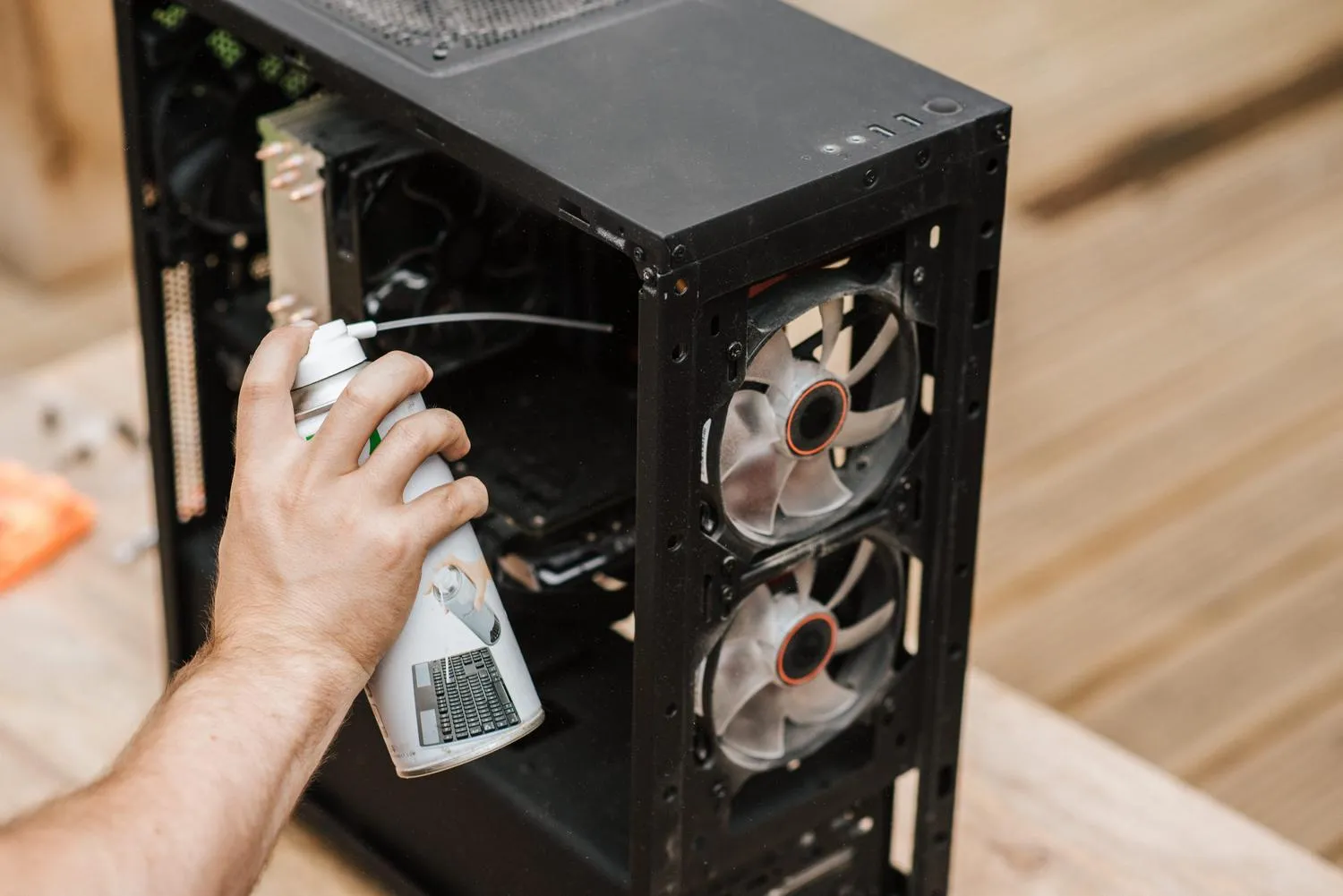
- Rear ventilation grilles: vacuum them with a soft brush once a month, or use a can of compressed air in short bursts. If they fill with dust, the TV can overheat.
- HDMI and USB ports: compressed air is the best tool to prevent image dropouts caused by dirt.
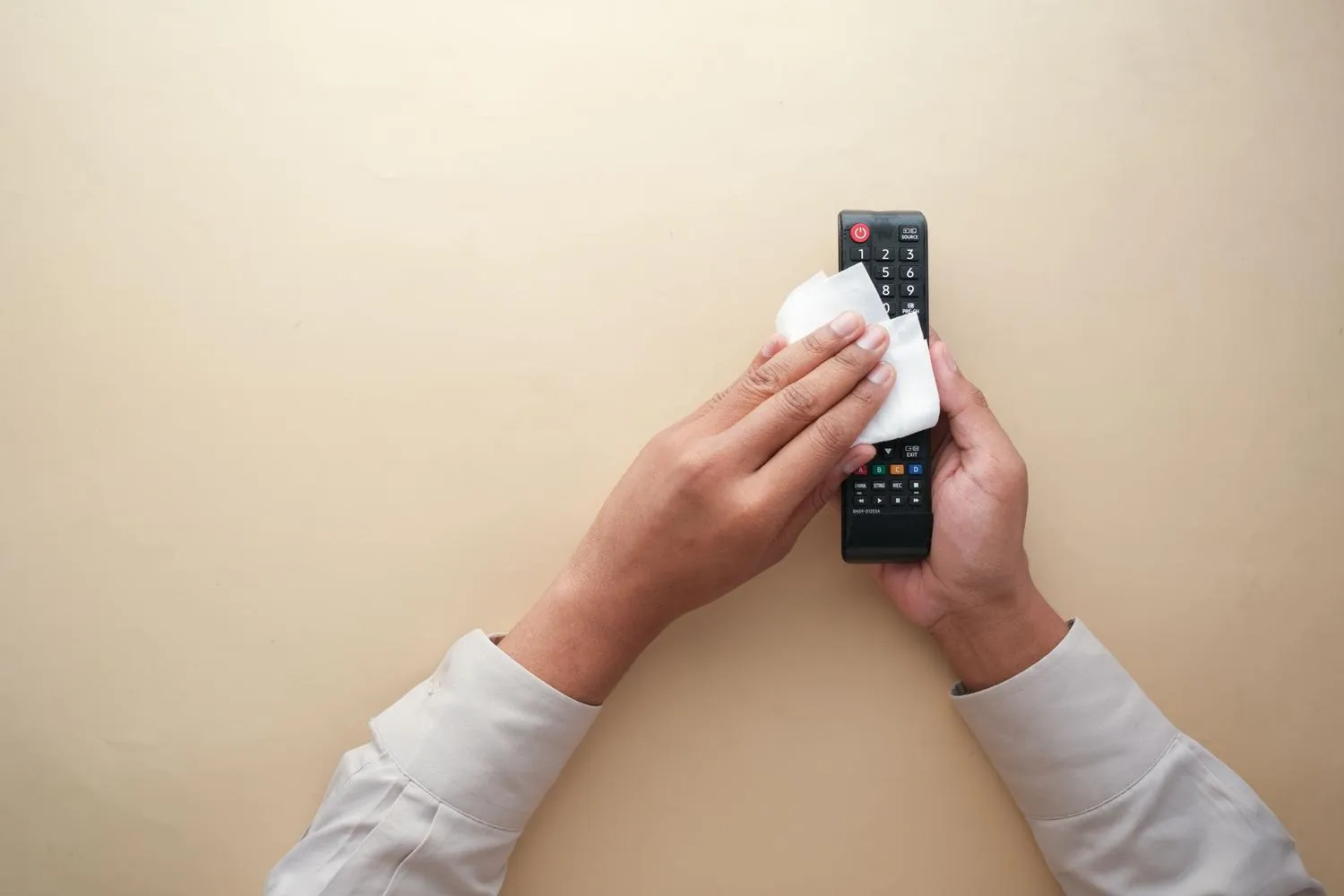
- Remote control: it is a breeding ground for bacteria. Remove the batteries and clean the gaps between the buttons with isopropyl alcohol, a cloth and cotton swabs.
Care by panel technology
Not every panel takes the same treatment, so it pays to adapt your cleaning to the screen type:
- OLED and QD-OLED: extremely thin and sensitive to physical pressure. Press too hard and you can bend the internal glass, so take extra care.
- QLED and NanoCell: somewhat more robust, but their chemical coatings are very delicate. Distilled water is the only safe option.
- Outdoor TVs: even with water-resistance certifications, you should still avoid harsh chemicals so as not to degrade the UV protection built into the glass.
Products and habits that damage the panel
Some mistakes are practically irreversible. These are the ones to avoid at all costs:
- Glass cleaners with ammonia: they dissolve the anti-reflective film and leave permanent iridescent stains.
- Ethyl alcohol: it attacks those same layers and speeds up wear.
- Kitchen paper or napkins: they are made of cellulose and create micro-scratches that, over time, leave the screen looking cloudy.
- Tap water: lime and chlorine dry into white marks.
- Toothpaste for scratches: a dangerous myth that only creates an irreversible blurry patch.
- Isopropyl alcohol for routine cleaning: although it is excellent for electronic circuits, on modern panels it is an unnecessary risk. It should only be used heavily diluted, sparingly and with a cotton swab for extreme marks such as ink.
Keeping a TV spotless is a matter of simplicity and patience: optical microfiber, distilled water and no abrasive products. If you also want the set to last for years, it helps to understand how manufacturers look after their software, as LG does by cutting webOS RAM usage to extend the life of its smart TVs.