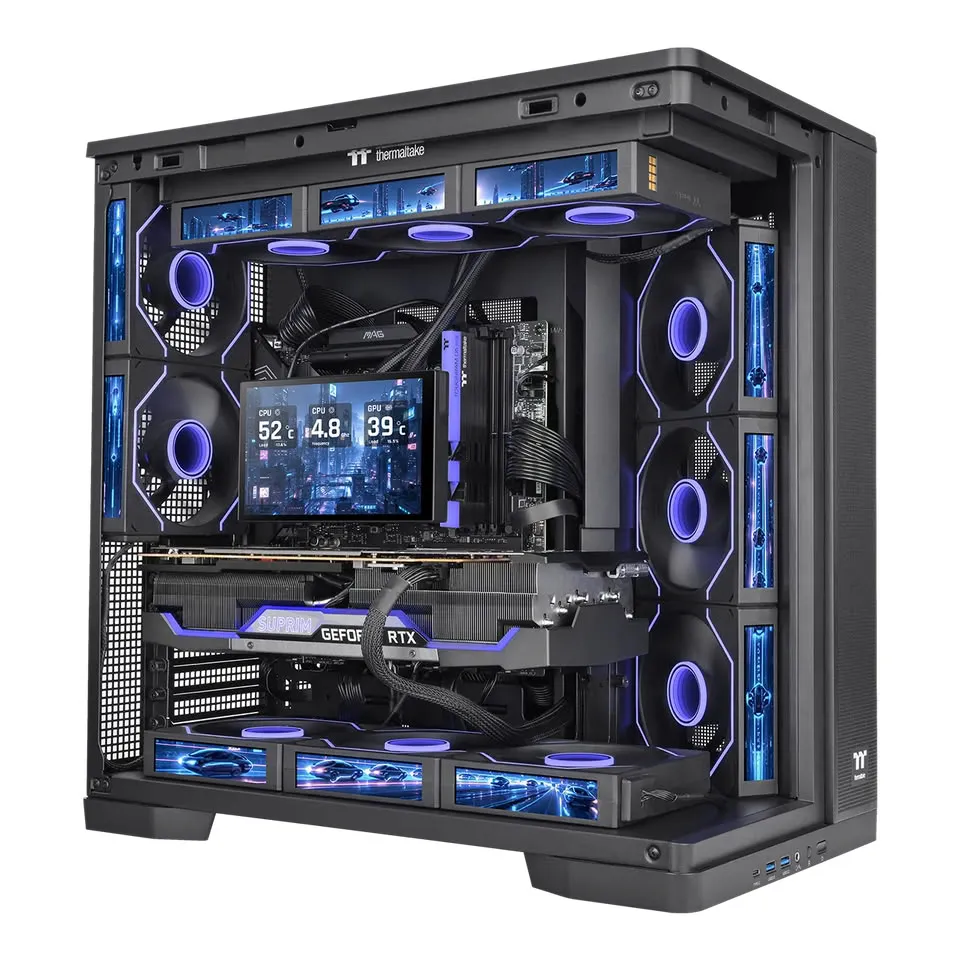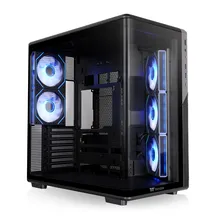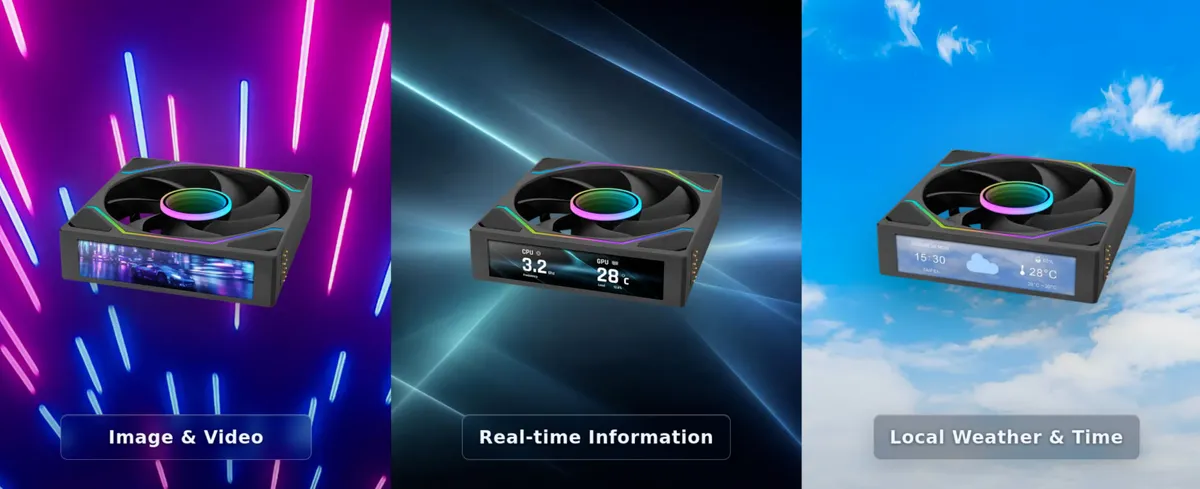
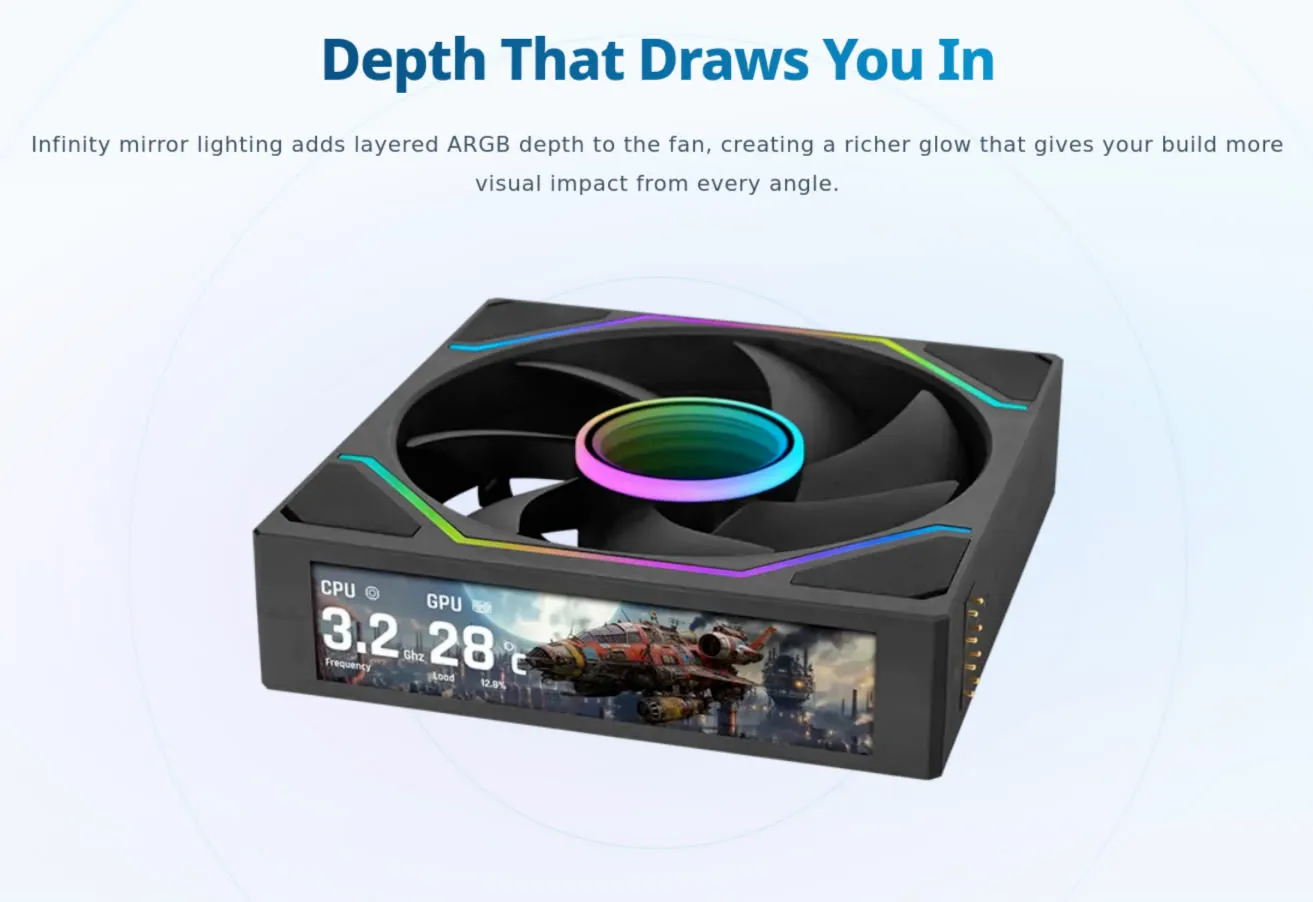
A 120 mm fan has a fairly specific mission: moving air. Thermaltake has decided it can also carry a 4-inch LCD on the edge of the frame, and that this screen can show the CPU frequency, the weather outside or a side-scrolling mini-game. The model is called the Swafan Ultra 120, and it is the latest piece to join a habit that already reaches cases, motherboards, graphics cards, memory modules and liquid-cooling blocks: if there is a flat surface left inside the chassis, someone will stick a panel on it.
TechPowerUp reports the information from the manufacturer’s own catalogue. It contains no price or availability date, so for now the only certainties are the spec sheet and the product images.
A screen on the edge, not on the front
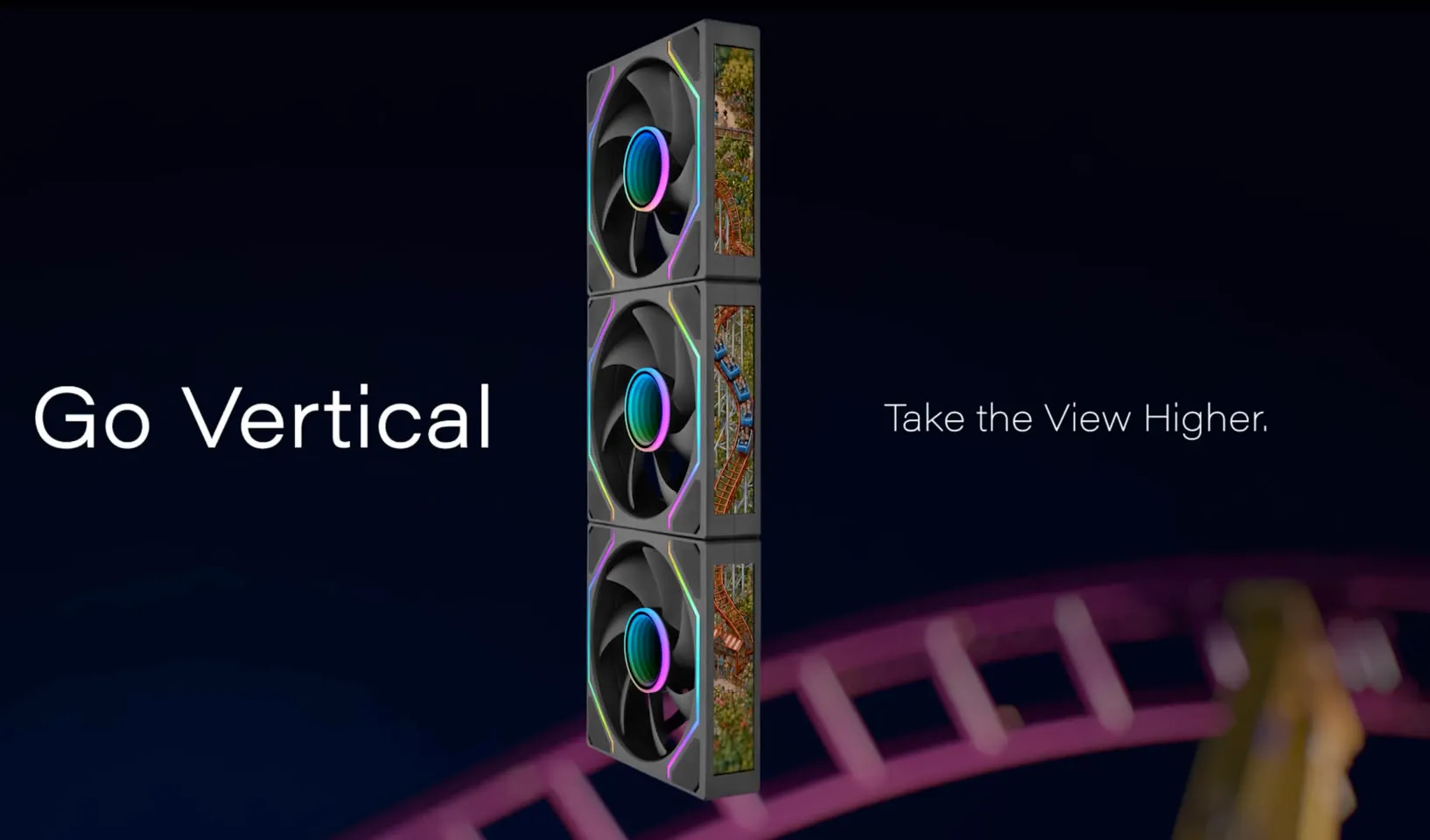
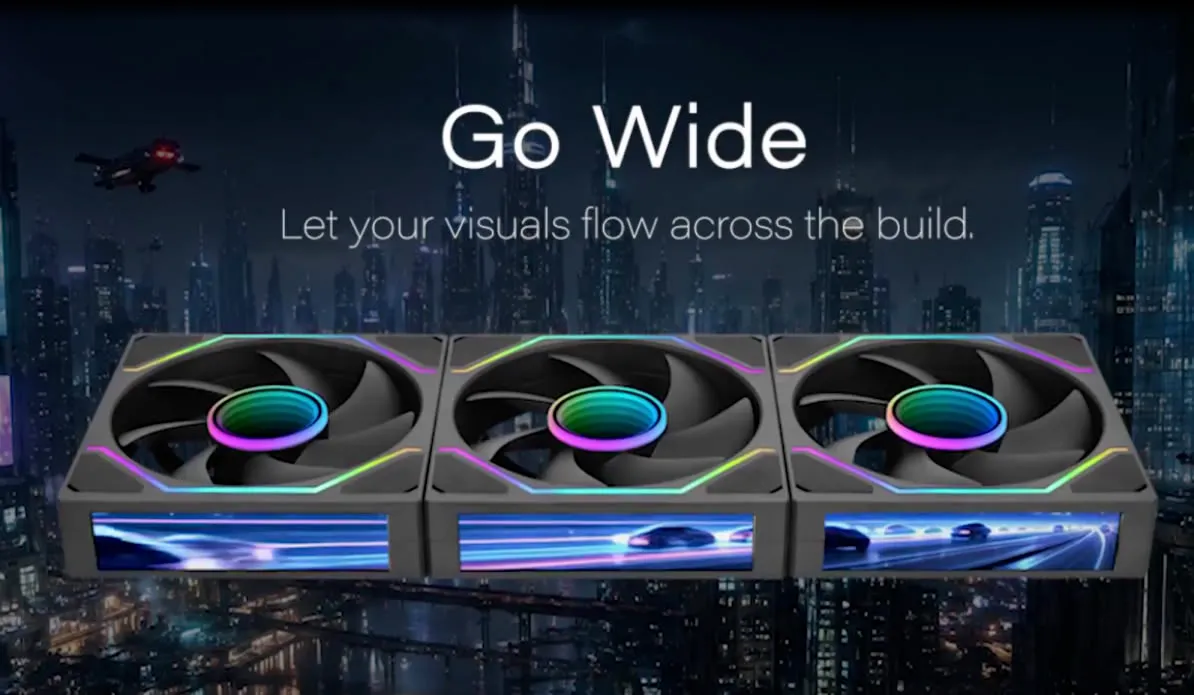
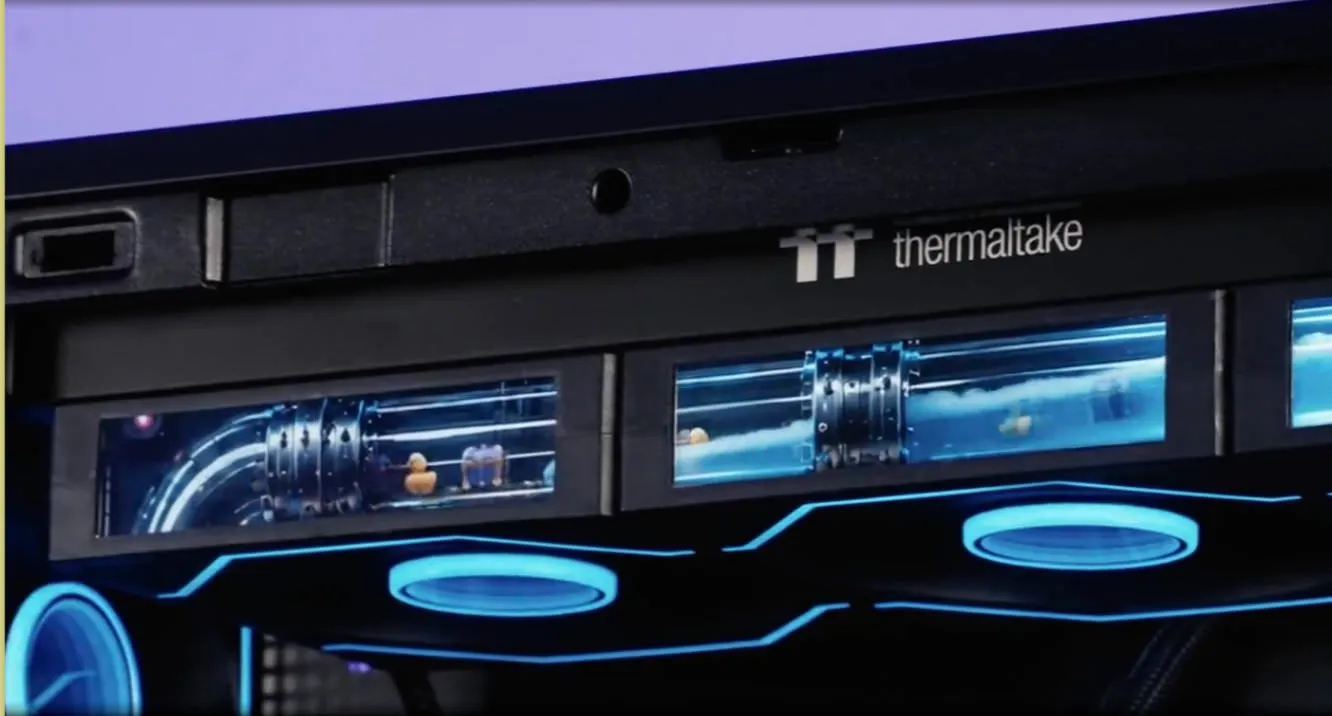
The panel is mounted on the side of the frame, not over the blade. That lets several fans stacked in a column or lined up in a row chain their screens together and synchronise on their own, so the whole set reads as a single continuous strip instead of three separate little screens. Thermaltake sells the effect with two builds: a horizontal row and a vertical tower of three units.
Content is controlled through TT RGB Plus 3.0, the company’s own software. From there you can upload images and animations, show real-time system data, and set the local time and weather forecast. In other words, the same kind of widget already offered by the screens built into cases and coolers, with the addition that here it is spread across strips.
Two mini-games that run on the fan itself
The controller built into the Swafan Ultra includes two retro mini-games: RGB Runner, a run-and-jump side-scroller, and Crazy Climber, a vertical climbing game. They are executed by the fan’s controller, not by the system software, so the screen does not depend on TT RGB Plus being open to draw the game.
There are two, there are no more, and nothing suggests they will grow. It is exactly the kind of feature you try once, show to someone and then leave in the menu.
What does not change: it is still a 120 mm fan
Beneath the spectacle there is a fan, and there the figures are the ones the manufacturer decides:
- A 30 mm thick frame, plus the 4 mm the screen adds. The whole assembly measures 120 × 124 mm.
- A rated airflow of 68 CFM with the conventional blades and 58 CFM with the reversed ones.
- Static pressure of 3 mm-H₂O with the normal blades and 2.8 mm-H₂O with the reversed ones.
- A rated noise level of 8 to 31 dBA.
- Modular magnetic cables and removable blades for cleaning.
- Each kit includes conventional and reversed blades for every frame, so the airflow direction can be chosen without buying another fan.
When building, those 30 mm are what weigh the most. A radiator with 30 mm fans takes up more room and reduces clearance in tight cases, and the 124 mm length leaves less margin in a position designed for 120 mm: it is worth measuring before taking it for granted that it fits. The reversed blades, by contrast, solve a real problem in many glass-panelled towers, where the intake fan is seen from its ugly side.
The screen is no longer an extra, it is the product line
The trend is not exclusive to Thermaltake. Other brands have turned the panel into a selling point: the Thermalright TR-A30 Vision, for example, offers a 9.16-inch magnetic screen as a case option. First came tempered glass, then ARGB lighting and now the information panel, which in practice adds power, cabling and one more software layer between the user and the hardware.

For those who build for temperatures and silence, the calculation is the usual one: static pressure and noise level decide whether the fan is any good, and a screen improves neither airflow nor noise. If what you are after is the visual effect, then the decision is a different one: 4 mm more thickness, 4 mm more length and a strip of panel that has to be integrated into the build before closing the side panel.